
Logging in to Le Chat
Le Chat is accessed at chat.mistral.ai using your AAU credentials. No separate account or password is needed.
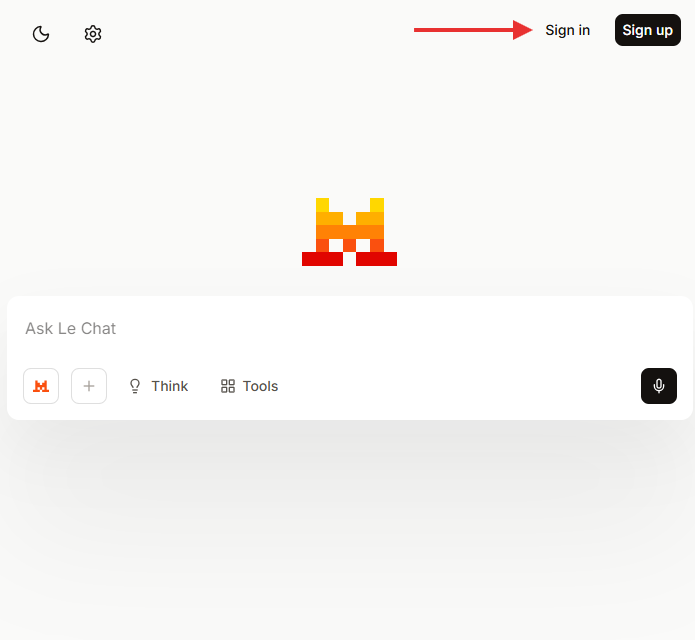
Step 1 — Go to the login page
Go to chat.mistral.ai and click Log in.
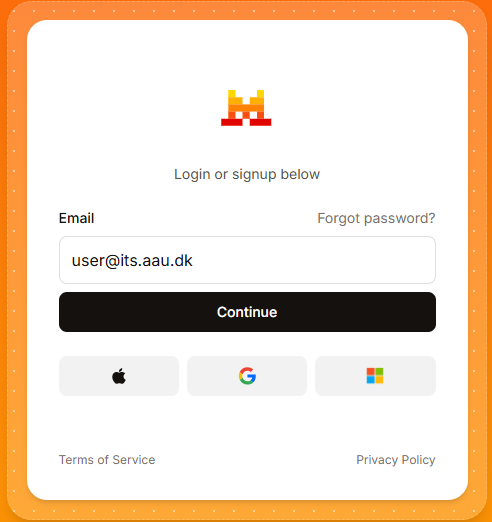
Step 2 — Enter your AAU email
Enter your AAU email address (e.g. ab12cd@domain.aau.dk) and click Continue.
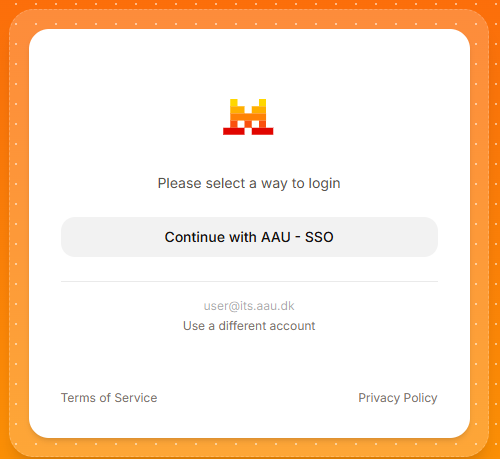
Step 3 — Select AAU SSO
Click Continue with AAU – SSO to be redirected to the AAU login page.
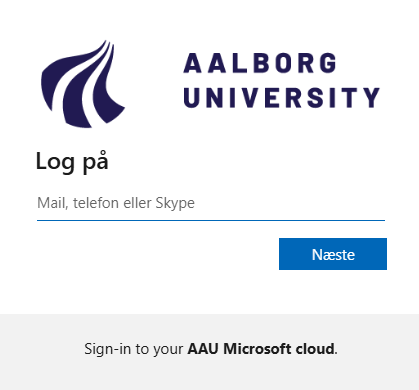
Step 4 — Log in with AAU credentials
Log in using your AAU credentials eg. ab12cd and approve the login via multi-factor authentication (MFA).
Step 5 — You are in
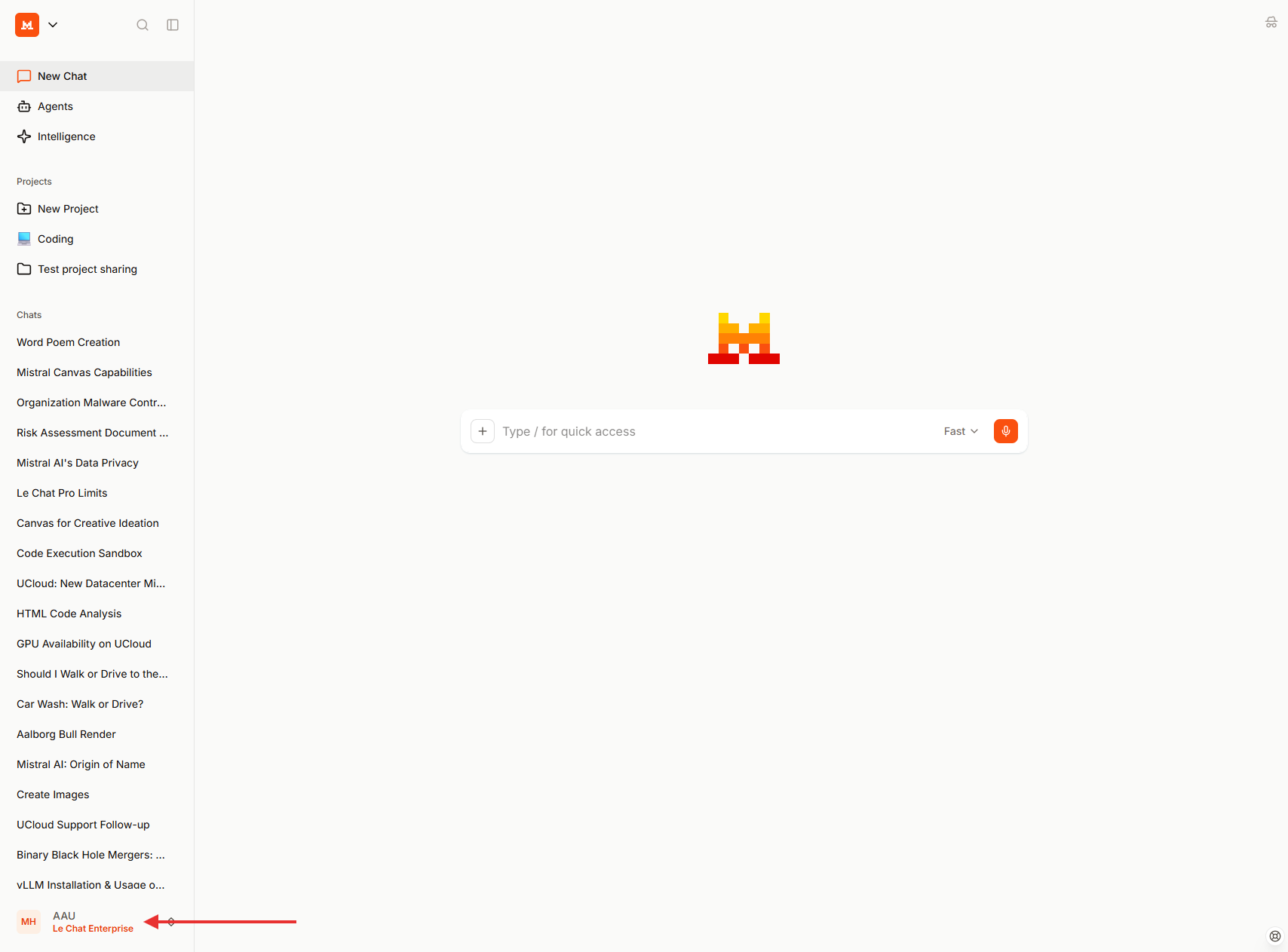
You will be redirected back to Le Chat and land on the conversation screen. Here, you can confirm that you are logged in to the AAU organization.
MFA not set up?
If you have not set up multi-factor authentication, see the AAU MFA guide before logging in.
Access issues?
If you cannot log in, contact CLAAUDIA via the service portal.